
Open Camera in Photo mode and fit the whole QR code inside the frame. If you prefer, open Code Scanner from Control Center. For an image already on your iPhone, save it to Photos and use the image reader.
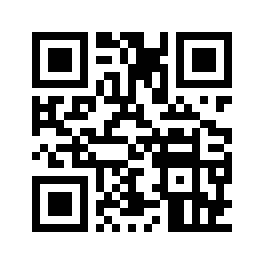
Choose the method based on where the code is
Use Camera for a poster, a ticket or a code displayed on another screen. If a chat message contains the code, save the original image and select it in the image reader. A small chat preview can lose detail.
Try the example in Camera
- Display the sample on another screen, open Camera and select Photo mode.
- Hold the phone steady so it can focus on the whole QR code. Leave the surrounding white border in view.
- Check that the link points to example.com. To try Code Scanner, open Control Center, tap its code icon and point it at the same sample.
Find Code Scanner or improve the lighting
If the control is missing, open Control Center, touch and hold an empty space, then choose Add a Control and select Scan Code. If the sample works but the other code does not, change your angle to avoid glare and check that its corners and margin are intact.
Frequently asked questions
Do I need to take a photo first?
Camera recognizes the code live and shows a link. Taking a photo is useful when you want to save it and read it later.